
Edit and personalize the desktop
 >
>
- Add shortcut - Add an application shortcut to the desktop.
- Add contact - Add a contact to the desktop.
- Add bookmark - Add a web bookmark to the desktop.
- Add widget - Add a widget, such as Agenda or Location, to the desktop.
- Change background - Change the background image. There are pre-installed background images in the device, but you can use any image stored in the device, on an inserted memory card, or in a paired or shared device.
- Manage views - Set which desktops are in use.
- Themes - Select a theme for your desktop.
-
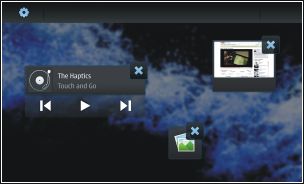
Rearrange items on the desktop
-
Move an item from one desktop to another
-
Remove items from the desktop
 on the widget, bookmark, contact, or shortcut.
Profile settings 
 >
> Change the background image
You can select a different background image for each desktop of your device.
Change the device language
Change themes 
A theme is a set of matching background images, one for each desktop.